Local workspace · In development
Crew
One project. Several working sessions.
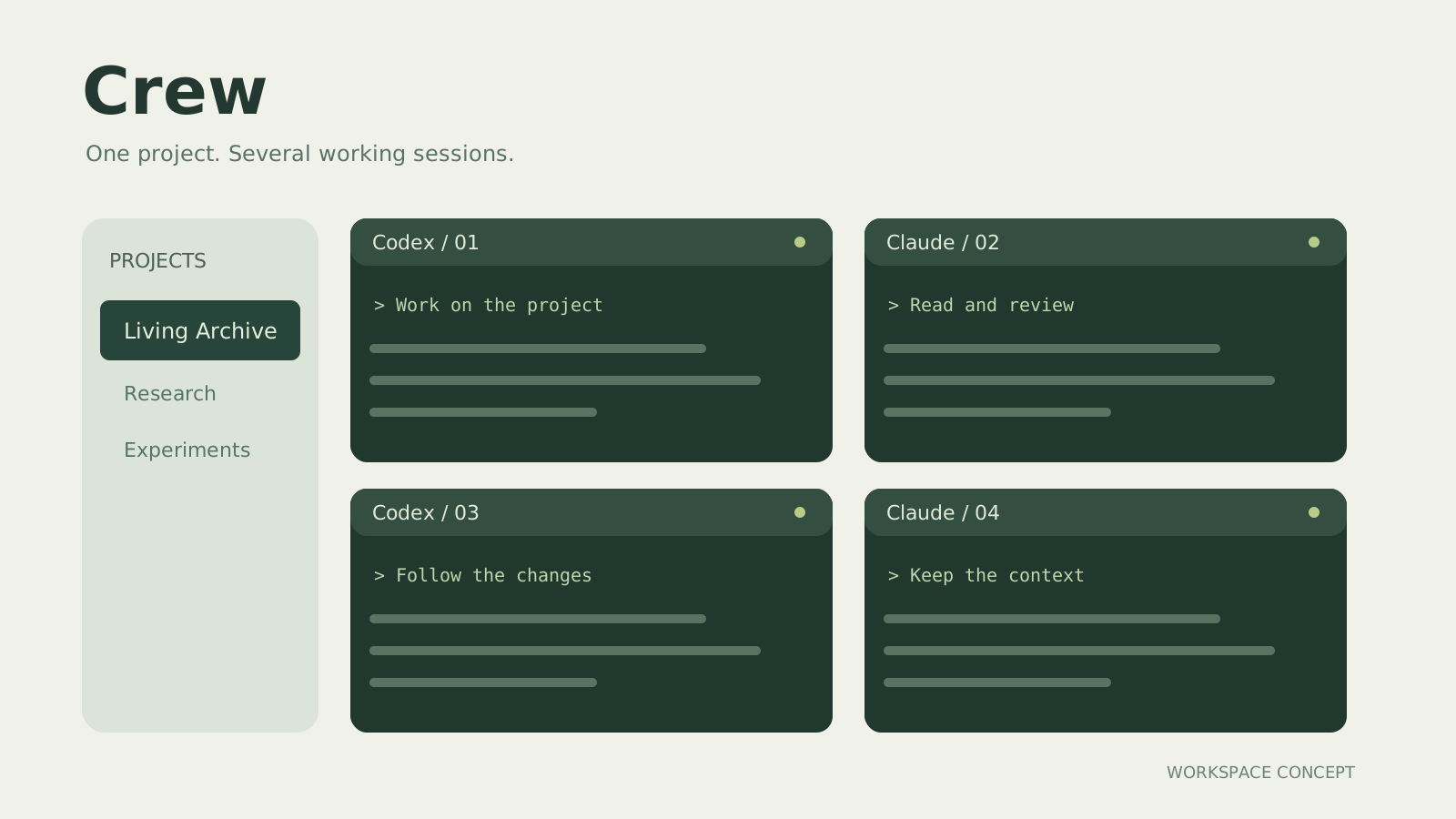
Bring subscription-based Codex and Claude CLIs into one project workspace, with browser terminals, session switching and operation approvals.
About the project
When several AI coding sessions run at once, it is easy to lose track of the project and who is doing what. Crew brings those sessions into a local browser workspace, keeping projects, terminals and decisions that need human attention in view.
What you can do
- Organize Codex and Claude CLI sessions by project, in a single view or split panes.
- Enter commands, read real terminal output and handle file-operation approvals in the browser.
- Explore delegating a task across sessions and tracking assignments, revisions and completion.
Where it stands
The basic terminal and subscription CLI connections have handled real model calls and file operations. The new delegation workflow still needs an end-to-end trial with real models. The workspace runs locally, with inference provided by the respective services; there is no cloud control version or guaranteed session recovery across service restarts.